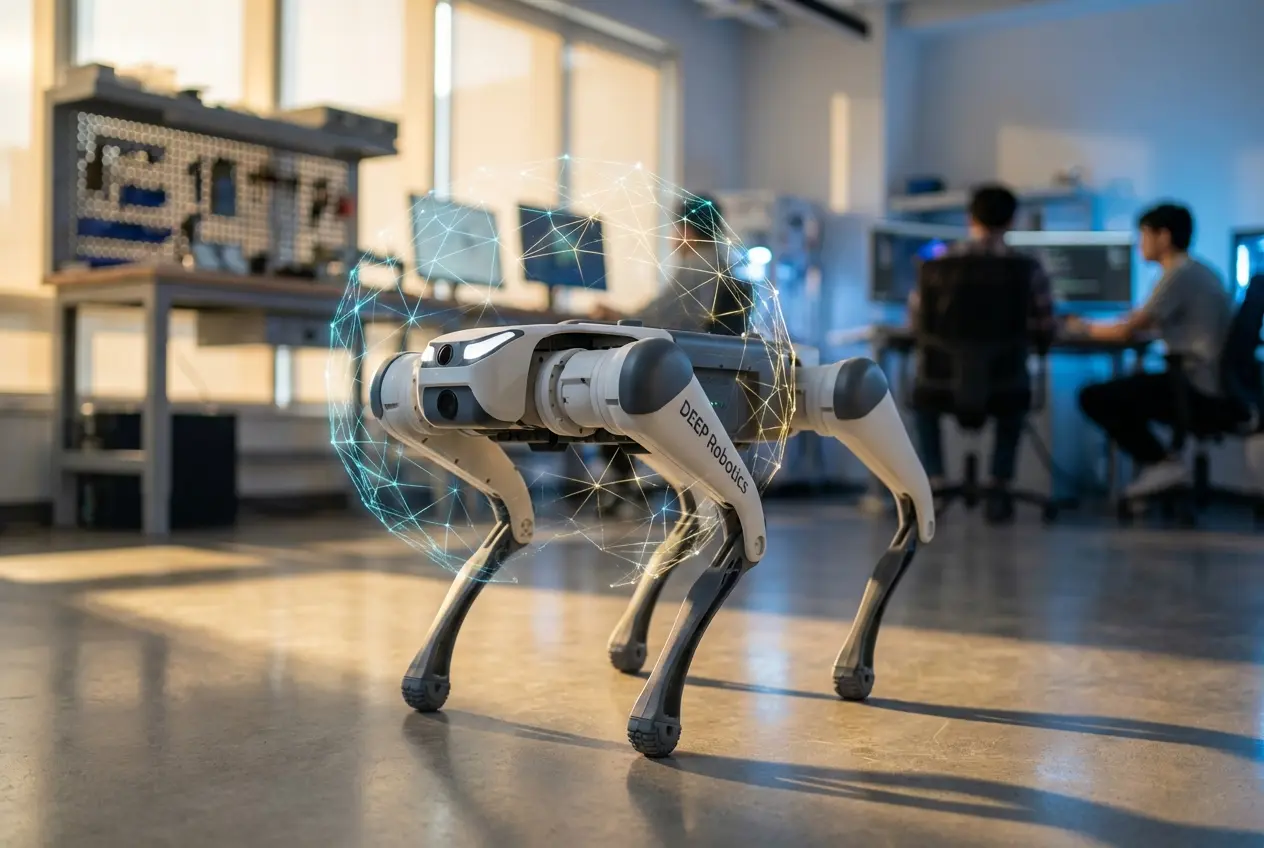
Physical AI (Embodied AI): A subfield of artificial intelligence where robots learn motor skills through interaction with physical environments via Reinforcement Learning (RL), rather than executing hard-coded, kinematic scripts.
The era of manually coding “keyframes” to make a robot walk is ending. We are witnessing a paradigm shift toward Physical AI, where agents learn to walk, recover, and climb by “experiencing” millions of years of physics in simulation before taking their first real-world step. The DEEP Robotics Lite3 has emerged as the “Hello World” platform for this revolution, moving high-end dynamic locomotion research from elite university labs to the prosumer’s desk.
This guide moves beyond generic tutorials. We will dissect the specific hardware architecture of the Lite3, configure the ROS2 Humble stack, and define the exact workflow for deploying an End-to-End Locomotion Policy using Deep Reinforcement Learning (DRL).
Key Takeaways: What You Will Master
- The Dual-Brain Architecture: Understanding why the RL policy runs on the Jetson Xavier NX while the RK3588 handles motor torque.
- The Software Stack: switching from ROS1 Noetic to ROS2 Humble for modern Isaac Lab compatibility.
- Sim-to-Real Transfer: How to bridge the “Reality Gap” using Domain Randomization.
- Deployment: Using the
Lite3_rl_deployworkflow to push neural networks to the physical robot.
1. Getting to Know Your Hardware: The Lite3 Architecture
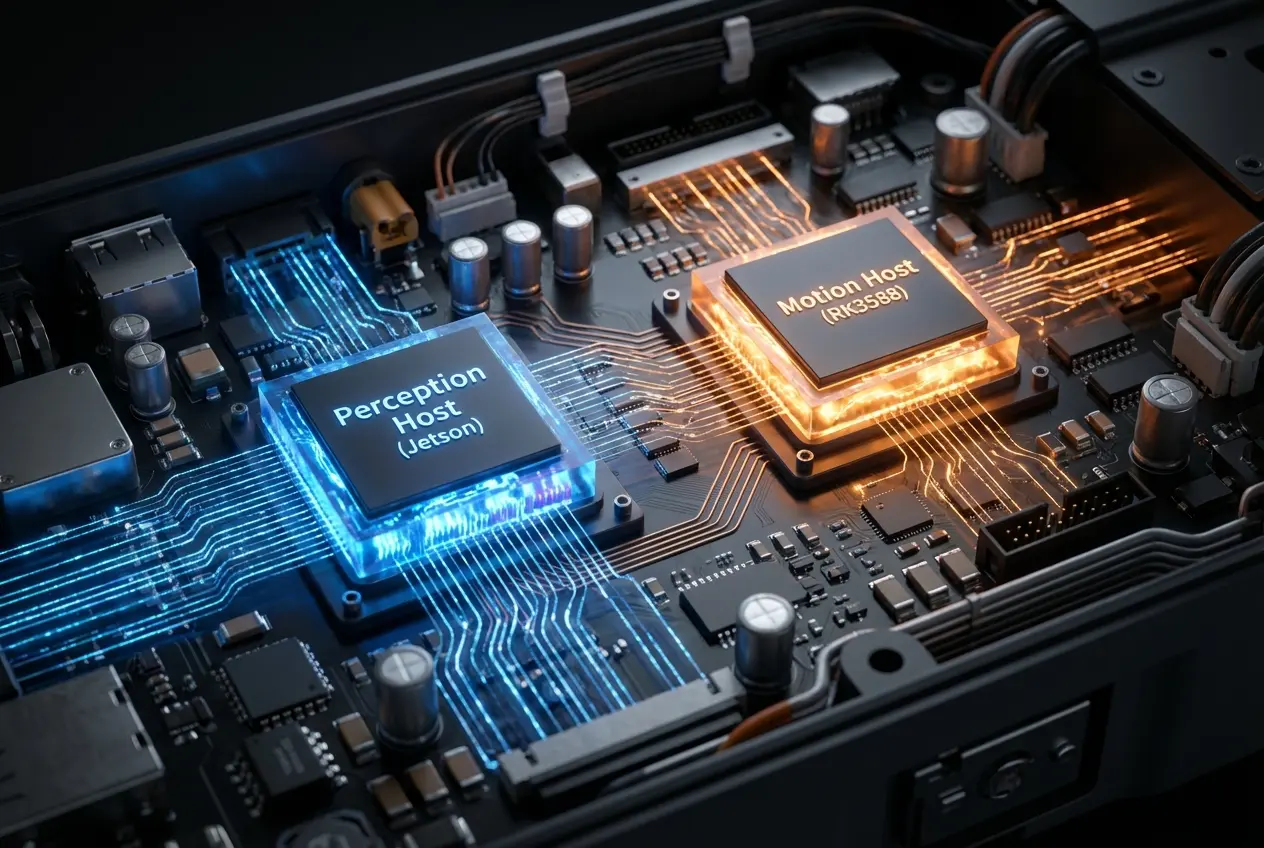
Unlike simple hobbyist dogs, the Jueying Lite3 utilizes a “Split-Brain” architecture. Understanding this is critical for RL because you must know where your neural network inference happens versus where the motor control loop executes.
| Component | Hardware Spec | Role in Reinforcement Learning |
|---|---|---|
| Motion Host | Rockchip RK3588 | The Muscle. Runs the real-time control loop (1kHz). It handles the low-level UDP communication and ensures the motors execute torque commands safely. |
| Perception Host | NVIDIA Jetson Xavier NX | The Brain. Runs the Neural Network Policy (Inference). It processes LiDAR/Camera data and outputs joint target commands (approx. 50Hz). |
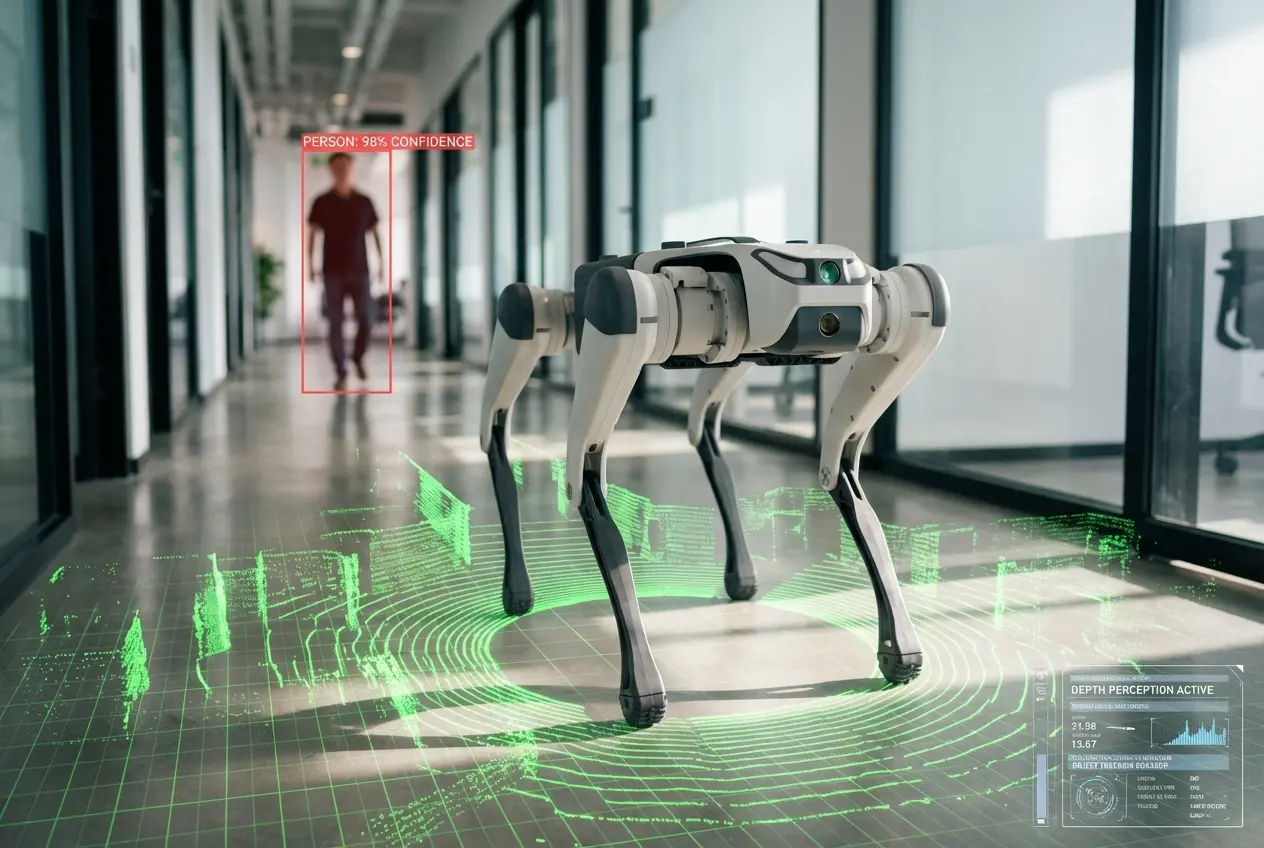
| Vision Sensors | Intel RealSense D435i + LiDAR | Provides depth and point cloud data for “Visual Locomotion” policies (avoiding obstacles blindly). |
The Torque Advantage
For RL to work, the robot must be “compliant.” If you push the robot, it should react like a spring, not a rock. The Lite3 features a 50% torque density boost compared to predecessors, with a maximum load capacity of 7.5kg. This allows for high-dynamic maneuvers like backflips or resisting heavy lateral pushes—behaviors that are impossible to hard-code but natural for an RL agent to learn.
2. Setting Up Your Development Environment
Before training, you must prepare the physical robot to accept high-level commands. The Lite3 supports both ROS1 and ROS2, but for modern RL (specifically with NVIDIA Isaac Lab), ROS2 is the standard.
Step 1: The Switch to ROS2
By default, the Lite3 might ship with ROS1 Noetic active. You must switch the environment on the Jetson Xavier NX.
- SSH into the robot (Default IP:
192.168.1.103). - Navigate to the scripts directory:
cd /home/ysc/scripts. - Execute the switch command:
sudo ./switch_ros_version.sh ros2. - Reboot the robot.
Step 2: The Message Transformer
The Lite3 uses a specialized package called message_transformer. This is the bridge that converts the raw UDP packets from the RK3588 Motion Host into standard ROS2 topics.
- Subscribed Topic:
/cmd_vel(geometry_msgs::Twist) – Your RL policy publishes velocity commands here. - Published Topic:
/joint_states(sensor_msgs::JointState) – Your RL policy reads current motor positions from here to form its “Observation.”
Pro-Tip: Always check if the bridge is active before running your policy by typing ros2 topic list. If you don’t see /joint_states, the bridge is down, and your agent is blind.
3. Deep Dive: Practicing Reinforcement Learning (RL)
In this phase, you are not coding how the robot walks; you are designing the school in which it learns.
The Core Concept: Agent vs. Environment
The robot is the Agent. The physics simulator (NVIDIA Isaac Sim) is the Environment. The agent takes an action (moving joints), and the environment returns a “Reward” or “Penalty.”
Designing the Reward Function
The “brain” of your RL setup is the Reward Function. Here is how to shape it for the Lite3:
- Tracking Reward (Primary): Give +1.0 points if the robot’s actual velocity matches the command (e.g., “Go forward at 1.0 m/s”).
- Stability Penalty (Safety): Give -1.0 points if the pitch or roll exceeds 20 degrees. This prevents the robot from flailing.
- Torque Penalty (Efficiency): Give -0.05 points for high torque usage. This teaches the robot to be energy-efficient and prevents motor overheating on the real hardware.
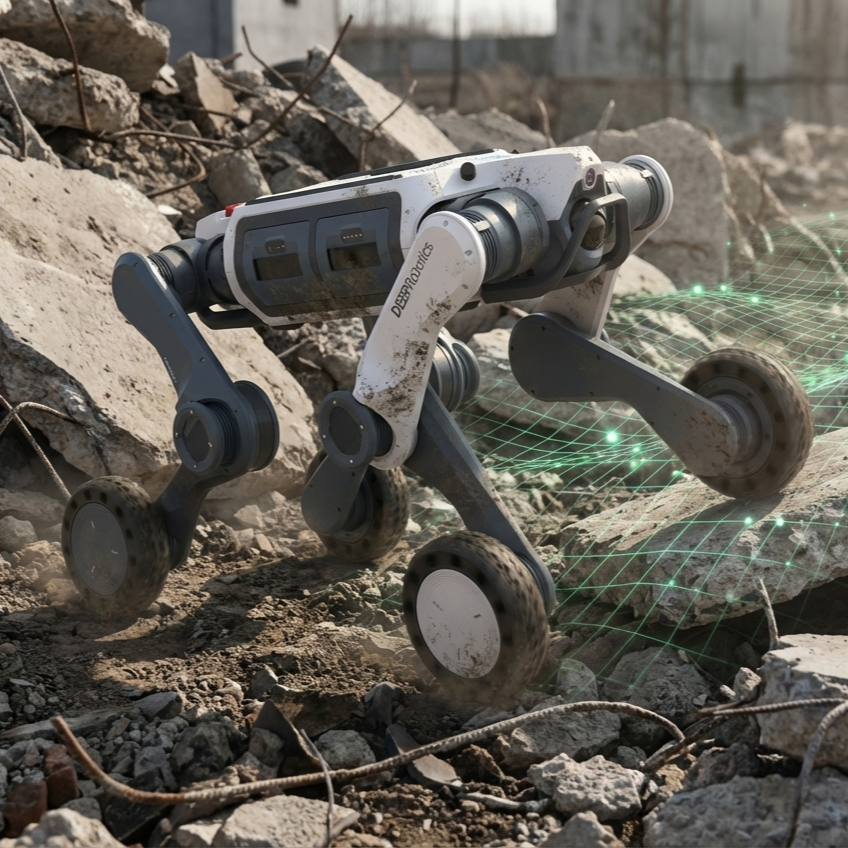
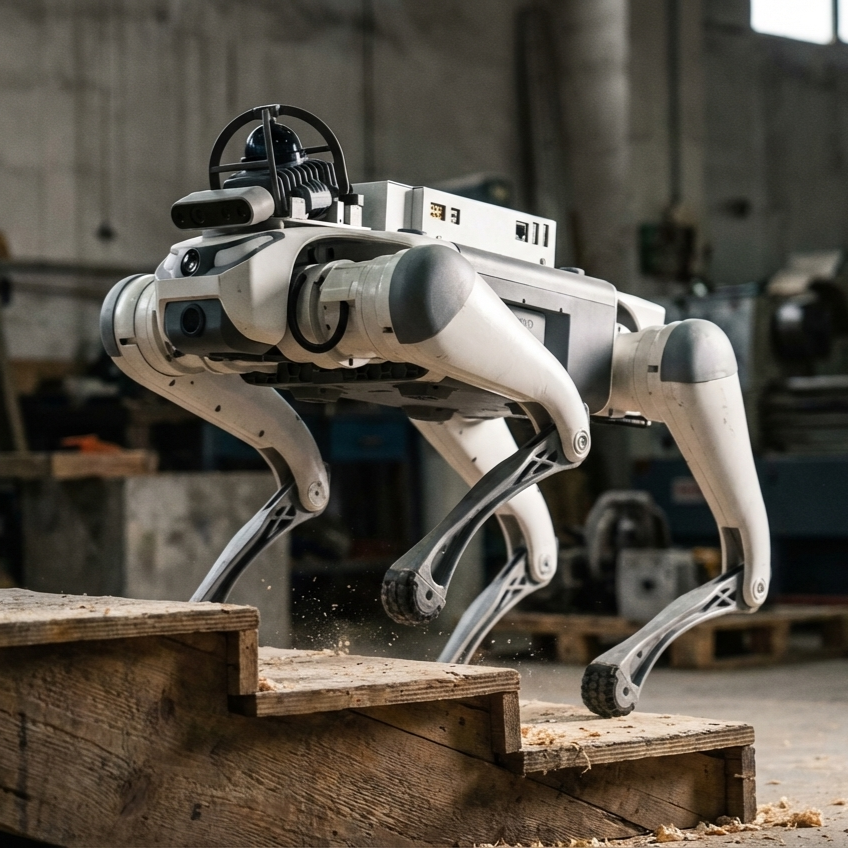
- The “Deadly” 40-Degree Slope: The Lite3 specs boast a 40° climbing capability. To achieve this in RL, you must create a “Curriculum” where the terrain in the simulator gradually gets steeper as the robot gets smarter.
The Sim-to-Real Pipeline
The biggest challenge in Physical AI is the Reality Gap—the difference between the perfect simulation and the messy real world.
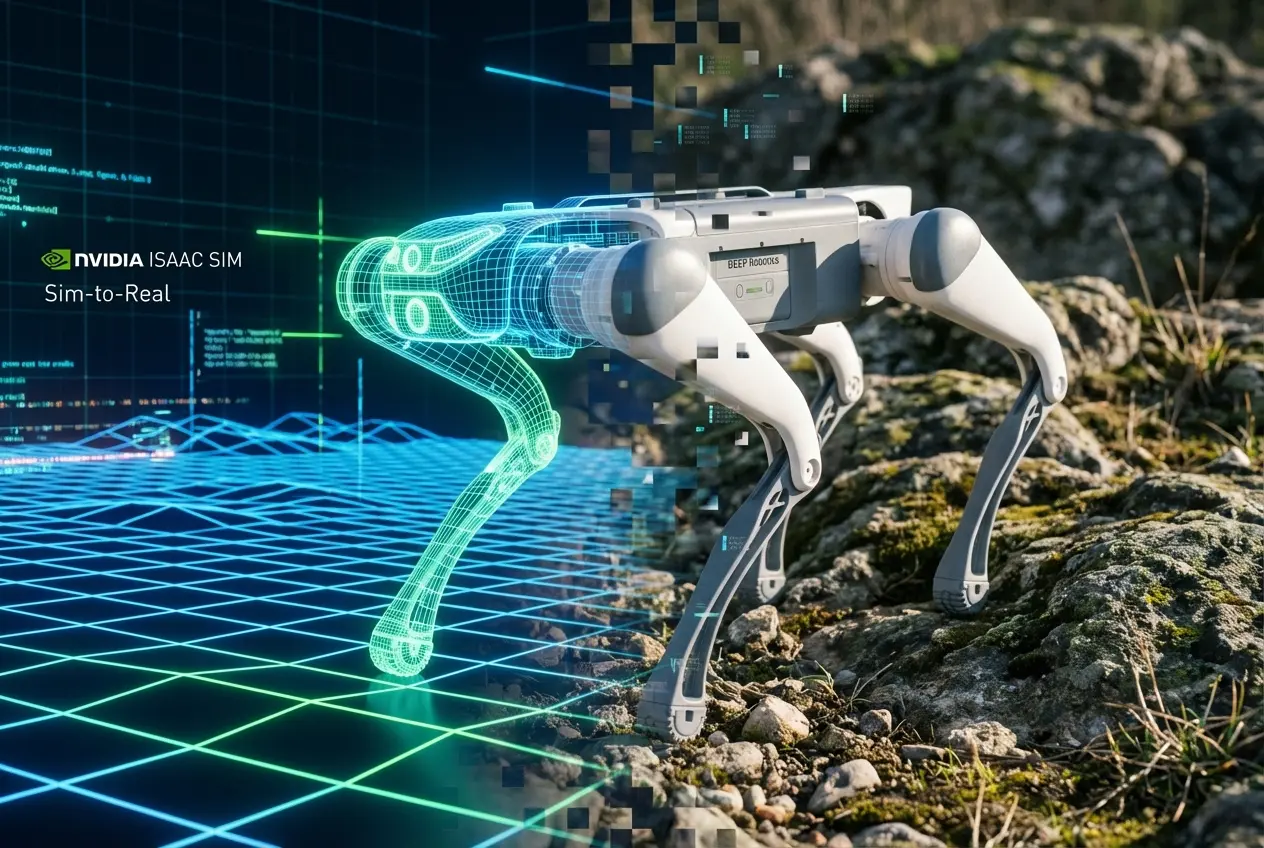
Strategy: Domain Randomization
To ensure your policy works on the real Lite3, you must lie to the robot during training. In Isaac Lab, vary the physical properties for every episode:
- Friction: Randomize between 0.4 (slick tile) and 1.0 (thick carpet).
- Payload Mass: Randomize the trunk mass by ±1.5kg. This ensures the robot stays stable even if you mount a LiDAR or external battery.
- Motor Strength: Randomize motor strength by ±10%. Real motors are never perfectly identical.
4. Project Ideas for Your Portfolio
Once you have the Lite3_rl_deploy repository running, try these progressive challenges.
Level 1: Custom Gait Modification (Beginner)
Train a policy solely for stability. Tweak the “Trot” gait to prioritize keeping the main body (base) perfectly flat, even if it moves slower. This is ideal for carrying liquids or sensitive camera equipment.
Level 2: SLAM and Mapping (Intermediate)
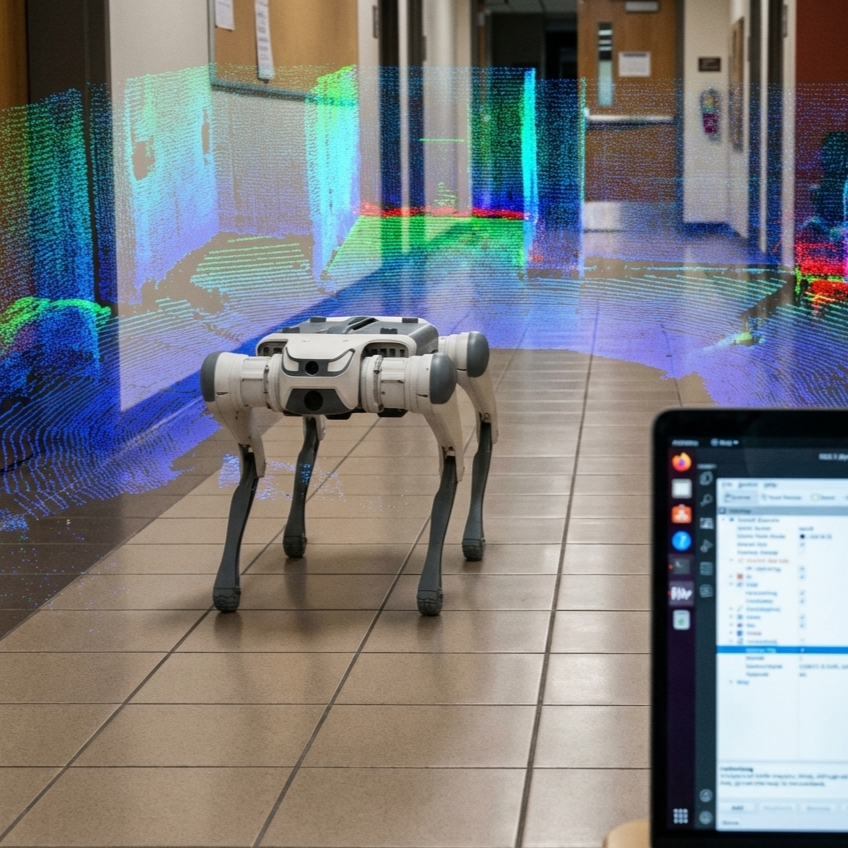
Use the faster-lio package mentioned in the Perception Manual. Train an RL policy that doesn’t just walk blindly but stops if the LiDAR detects a wall.
Key Skill: Integrating the Occupancy Grid Map into the RL Observation space.
Level 3: Person Following with YOLOv8 (Advanced)
Combine computer vision with RL. Use the Lite3’s DeepStream and YOLOv8 integration (running on the Jetson) to detect a human. Feed the bounding box center to your RL policy as a “Navigation Target.”
Goal: The robot should dynamically trot to keep you in the center of the frame, adjusting speed based on your distance.
5. Why Lite3 is the Ideal Teacher
Safety First Architecture
RL policies fail often. When they do, the robot might spasm or collapse. The Lite3 has a built-in “Lose Control Protection State” (State Value: 8). If the low-level controller on the RK3588 detects dangerous acceleration or angles, it cuts motor power immediately, protecting the gearbox from your “bad” AI code.
Open Ecosystem
Unlike competitors with “walled gardens,” the Lite3 gives you root access to the Jetson and the Motion SDK. You can read raw torque data (t), velocity (v), and position (p) directly. This transparency is mandatory for debugging complex Proximal Policy Optimization (PPO) algorithms.
Conclusion: Join the Physical AI Revolution
Mastering the DEEP Robotics Lite3 is more than just learning a new SDK; it is future-proofing your career. The workflow you learn here—PPO, Domain Randomization, Sim-to-Real transfer—is the exact same workflow used to train humanoid robots and industrial manipulators.
Ready to start?
- Explore the Lite3 Product Line to review the full specs.
- Clone the
Lite3_rl_deployrepository on GitHub. - Join the DeepRobotics developer community on Discord to share your first “blind locomotion” success.
Frequently Asked Questions (FAQ)
Can I run Reinforcement Learning training directly on the Lite3?
No. The onboard Jetson Xavier NX is powerful enough for Inference (running the trained model) but not for Training. You must train your policy on a desktop PC with a dedicated GPU (e.g., RTX 3080 or 4090) using NVIDIA Isaac Sim, then copy the trained .pt (PyTorch) file to the robot.
What is the difference between ROS1 and ROS2 for Lite3?
ROS1 (Noetic) relies on a central “Master” node, which can be a bottleneck. ROS2 (Humble) uses DDS (Data Distribution Service) for decentralized, real-time communication. ROS2 is strictly required if you plan to use modern NVIDIA Isaac Lab integration for your RL workflow.
How do I stop the robot from breaking during early RL tests?
Always use a gantry or a safety harness (suspended from the ceiling) during the first 100 runs of a new policy. Additionally, program a software “Emergency Stop” in your Python deployment script that sends the STOP command (0x21010C0E) if the roll or pitch exceeds 30 degrees.
About the Author: Iven Wang